e-Faktur Automation for Coretax
Builds the Coretax import XML from SAP B1 A/R invoices twice a day and writes each issued tax invoice number back to SAP. The tax team is left with two batch steps instead of work on every invoice.
My role
I designed the flow, wrote all the Python scripts for XML generation and tax invoice extraction, built the Service Layer update to SAP B1, and built both monitoring pages.
Context
Since Coretax went live, outgoing tax invoices are created by importing XML files into Coretax. Without tooling, the tax team had to prepare the data for every invoice and then copy each issued tax invoice number back into the A/R invoice in SAP B1 by hand.
The tax authority does not offer direct integration with Coretax yet. We started this as soon as Coretax launched and automated everything around the two steps that still have to happen inside Coretax.
Flow
Scroll sideways to see the whole diagram.
How it works
- A scheduled task copies new A/R invoices from SAP B1 into a local MySQL database.
- A second schedule calls a Python endpoint on the same server that builds the XML file in the Coretax import format.
- The XML is saved to SharePoint, one folder per day. The export runs twice a day, at midday and at night.
- The tax team uploads the XML file to Coretax.
- When the tax invoices are issued, the tax team downloads them from Coretax into a SharePoint folder for unprocessed files.
- A Python script reads that folder, extracts the invoice number and the tax invoice number, and updates the A/R invoice in SAP B1 through the Service Layer.
- Processed files move to a separate folder automatically, so the same tax invoice is never extracted or posted twice.
Monitoring
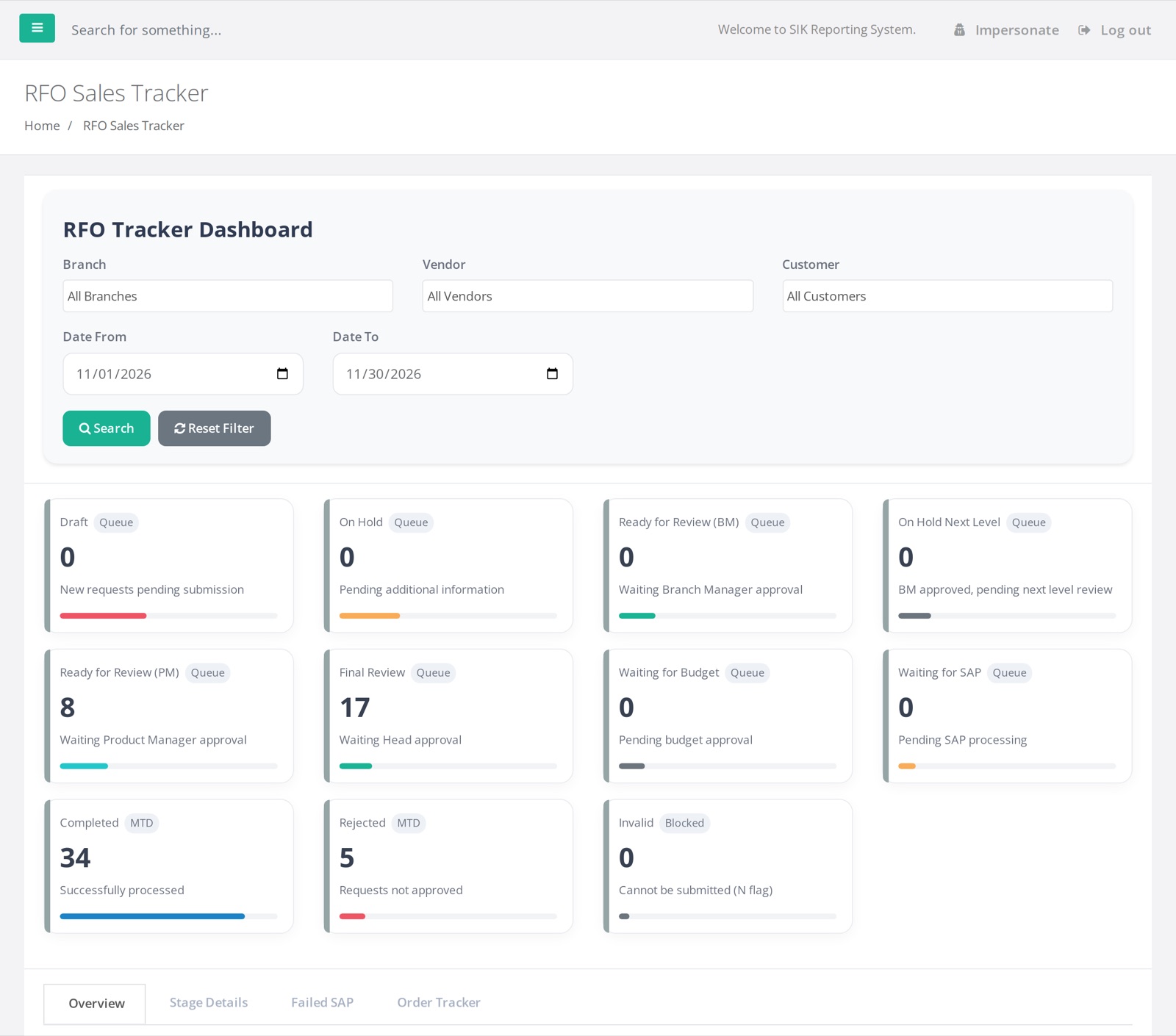
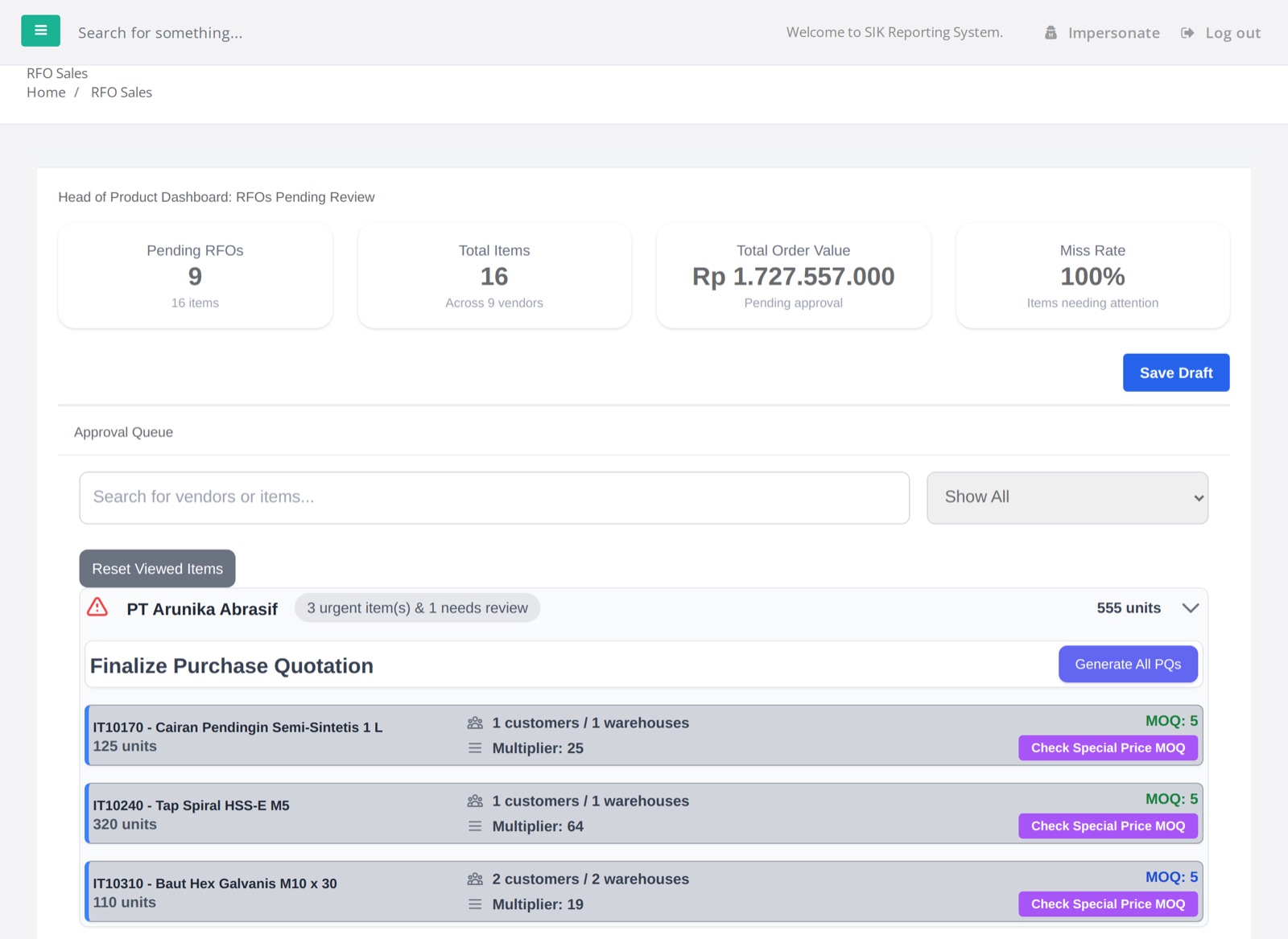
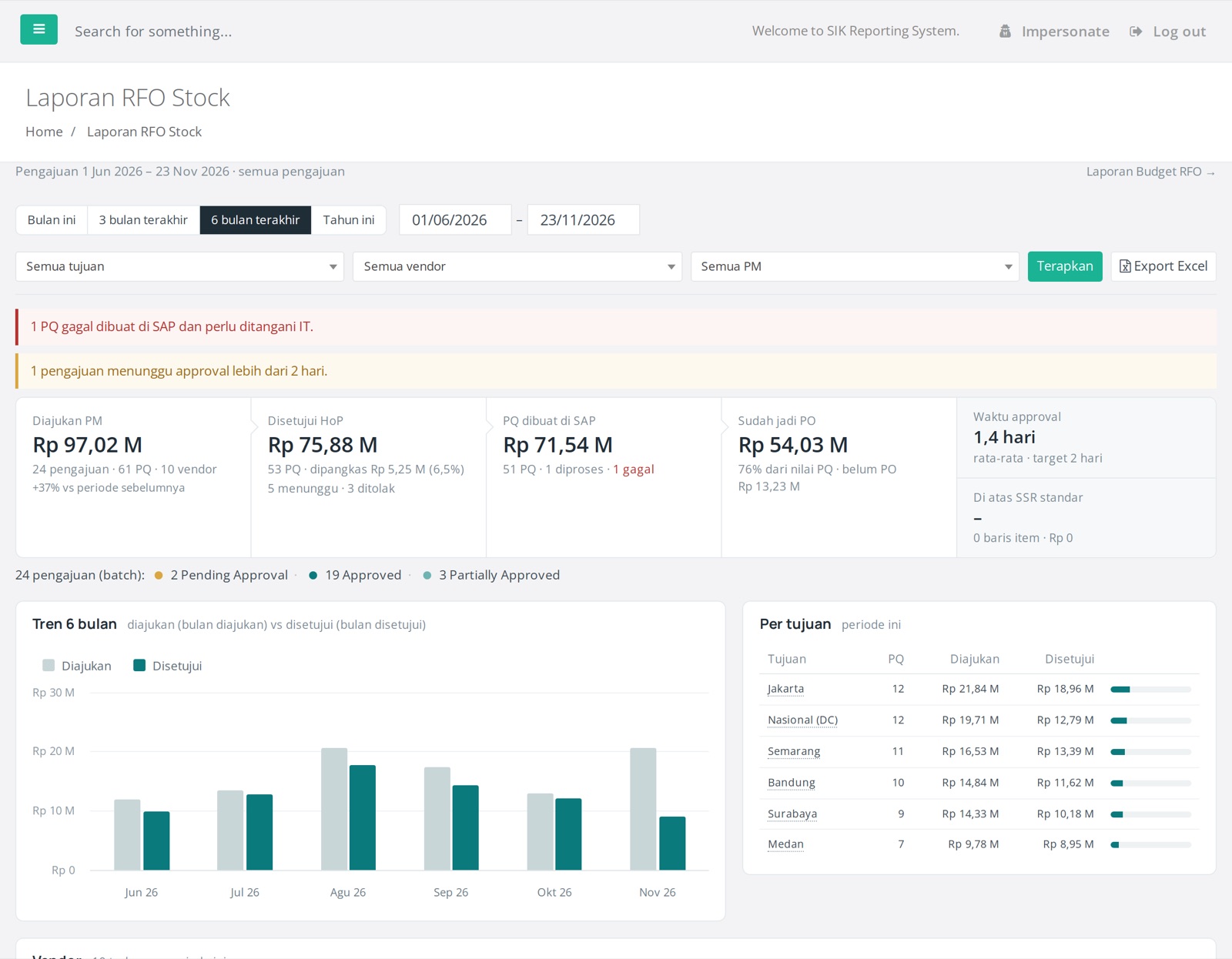
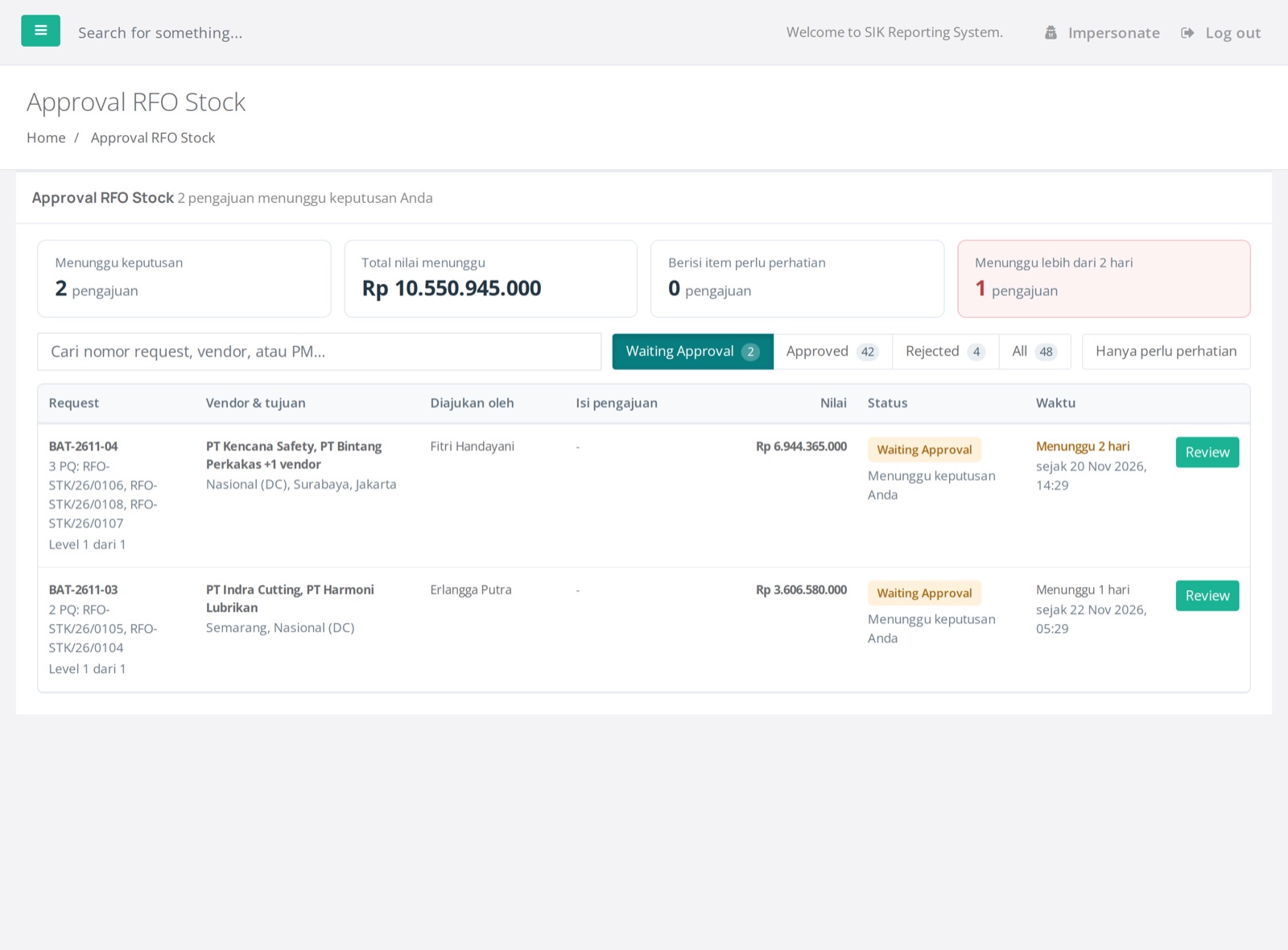
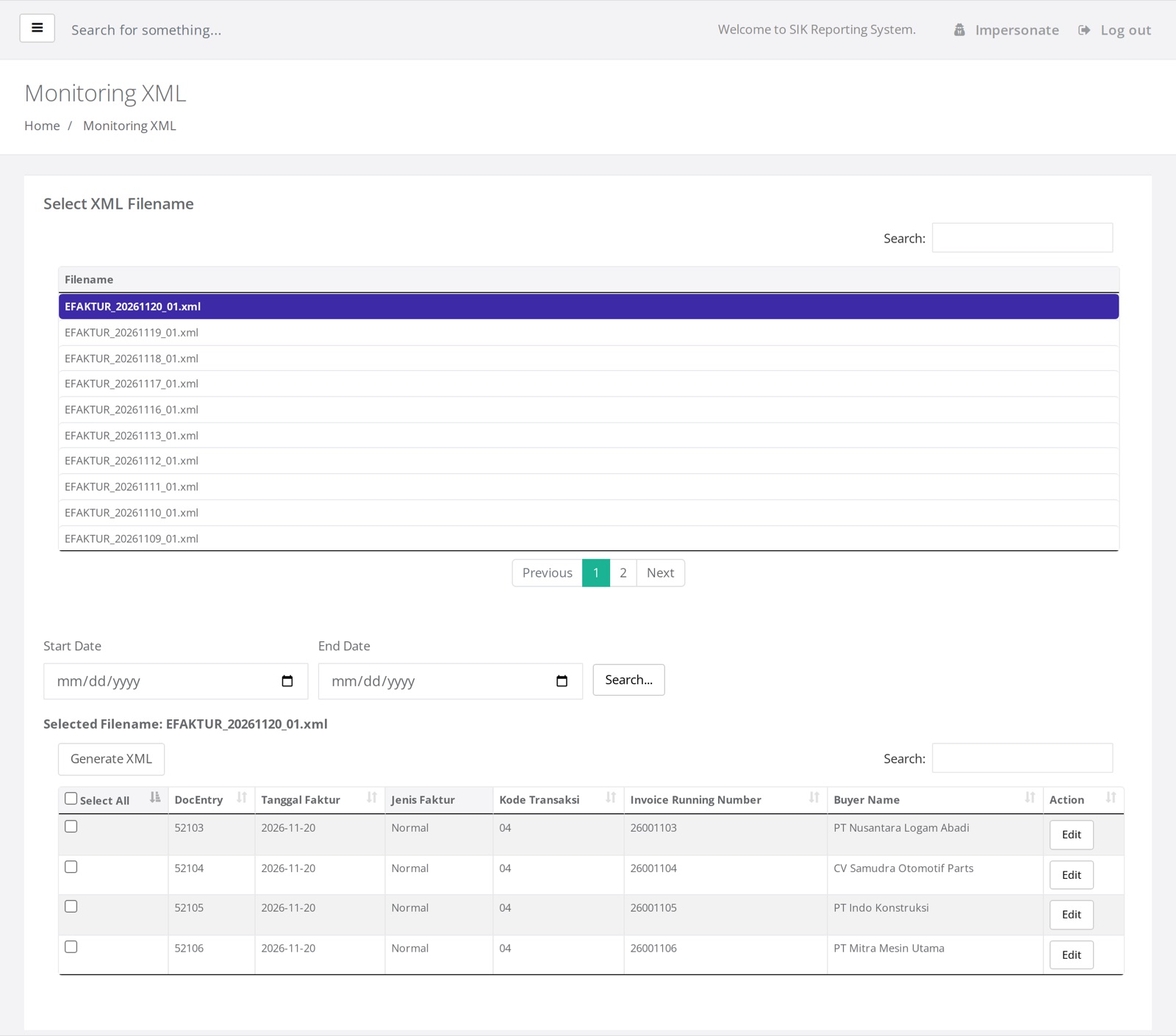
- The XML monitoring page lists the export files per day and the invoices inside each one, so the team can confirm that every invoice made it into an export.
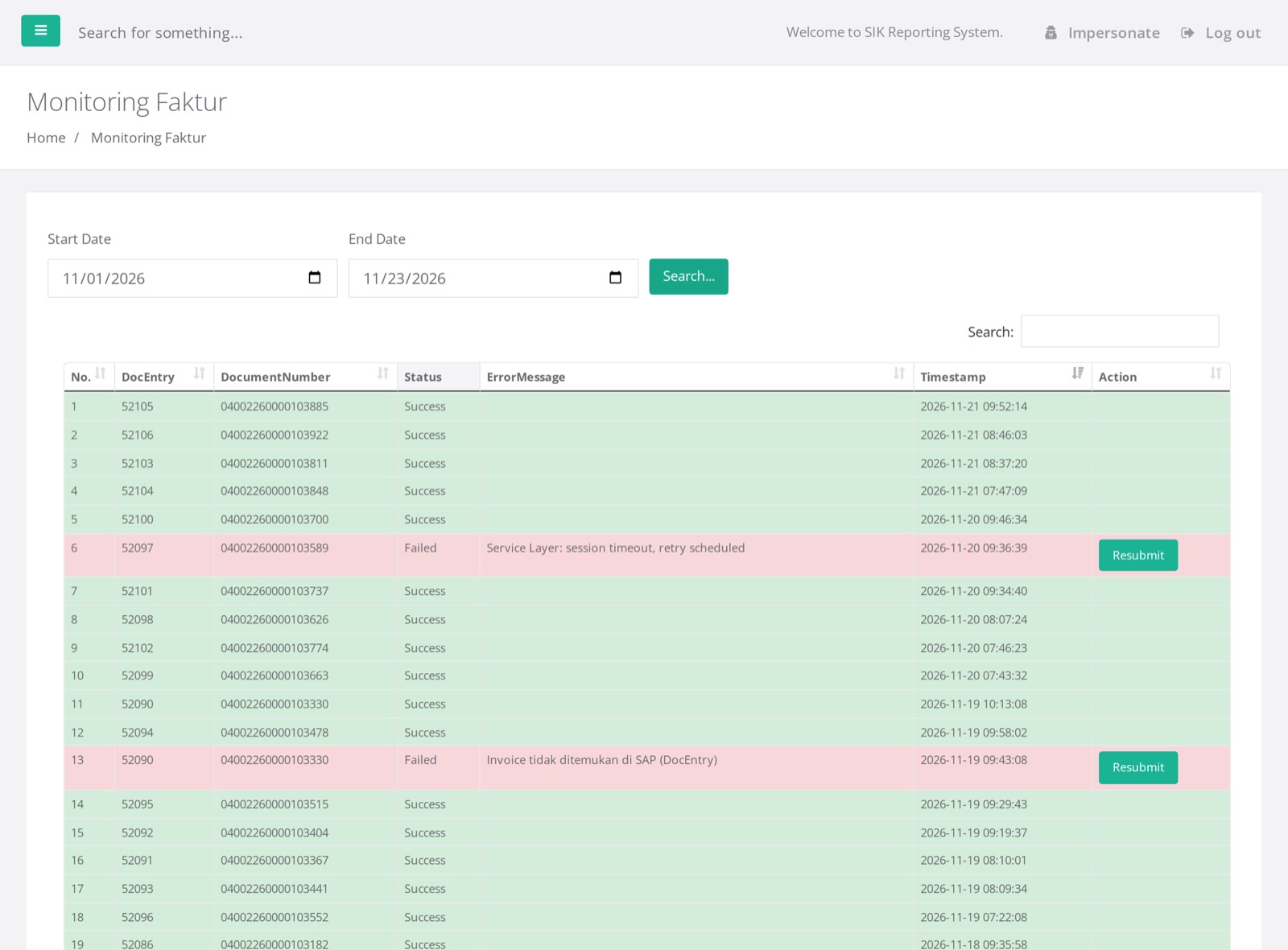
- The tax invoice monitoring page logs every update sent to SAP B1 with its status and error message. A failed update can be sent again from the same page without a developer.
Screens
Result
- Manual work for the tax team went from preparing and filling in each invoice to two batch steps: upload the XML and download the tax invoices.
- Tax invoice numbers reach the A/R invoice in SAP B1 without retyping, which removes a source of input errors.
- The flow was in place from the start of Coretax, before the workload could pile up.